
Waitlist Manager

Feature

Operations

Get started

Get your Labs keyWeb appHelp & installation guideContact support

This extension is provided through Booxi Labs. It can change or be discontinued at any time, is provided as is, and is not covered by the Booxi Core SLA.

Support is provided on a best-effort basis during Booxi business hours (Mon–Fri, 9am–5pm EST). Typical response time: 1–2 business days.

Overview

The waitlist captures clients looking for a slot, or an earlier one, for an appointment or a group event. When a slot frees up, the system matches the right client and sends an on-brand invitation; one click, and the booking is created or rescheduled in Booxi. Staff manage everything from the web app or the Chrome extension. One of the most requested capabilities from beauty retailers.

Key capabilities

  • Two waitlists: appointments and group events, with slot and staff preferences.
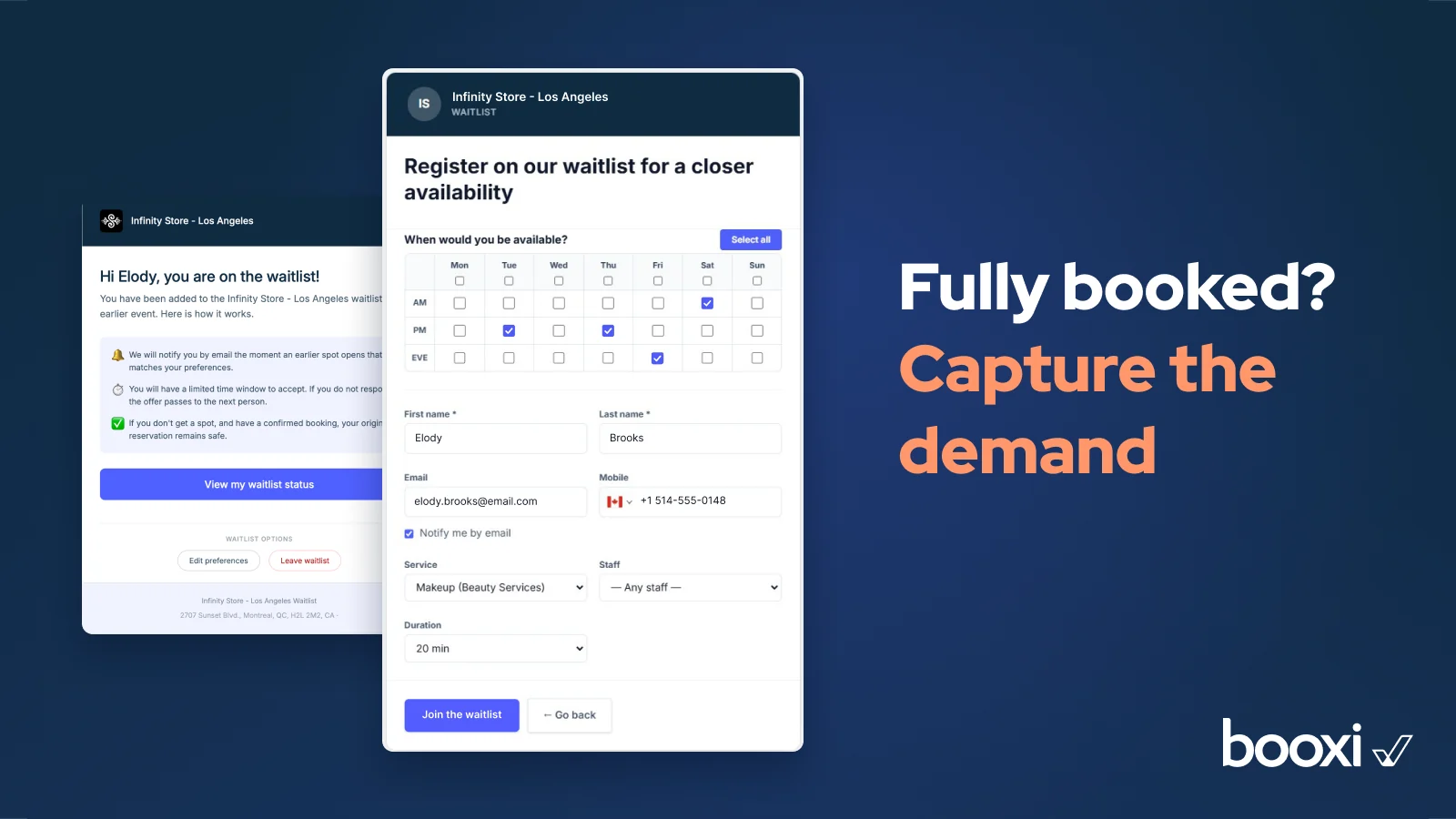
  • Sign-up straight from the booking widget, pre-filled with its data.
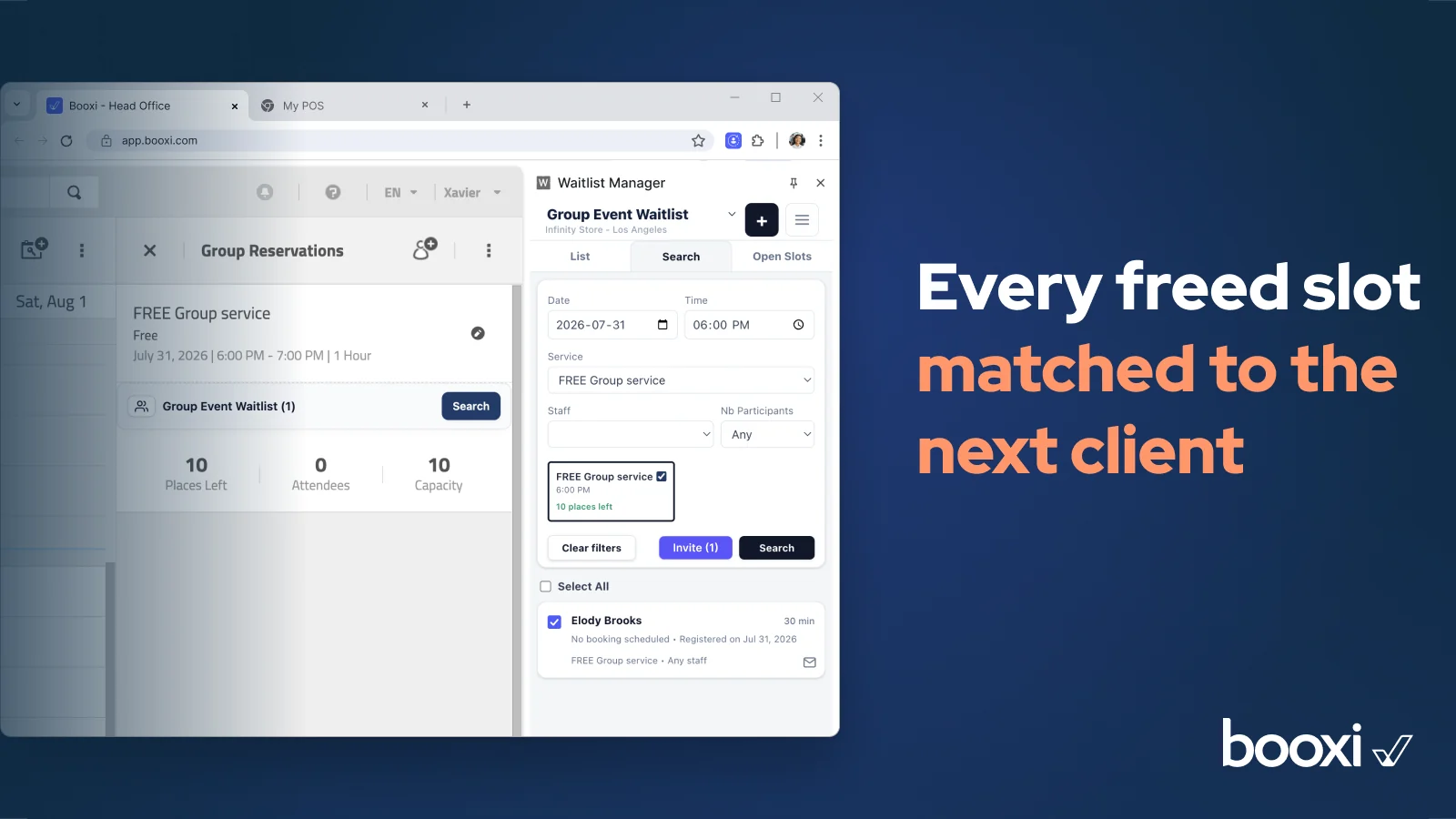
  • Every freed slot detected and matched with the next eligible client.
  • Invitations by email or SMS, manual or automatic, with configurable response windows.
  • Client sync to Booxi: waitlisted clients are created in Booxi automatically if they do not exist yet.
  • Your brand everywhere (20+ languages) and a performance dashboard: slots filled, conversion, median fill time.

Use cases

  • Fill a last-minute cancellation with the right waiting client, manually or automatically.
  • Capture demand when fully booked: clients sign up instead of leaving without a trace.
  • Fill freed seats on workshops and masterclasses automatically.

What it doesn't do

  • SMS is not active by default: it requires backend configuration. SMS is billed under your existing Booxi contract terms; email is included.
  • Deactivating a list blocks access but does not delete client data.
  • It is not an in-store walk-in queue: it works on appointment and event slots.

Requirements

  • A Booxi Labs key (issued to the admin email) and a manager password. One key covers a store or a whole group.
  • Point the Booxi booking widget to the sign-up URL or iFrame.
  • Self-serve, no development. SMS needs backend configuration.

Data & security

  • Processes first name, last name, email or phone, and appointment information. No payment card data.
  • Sub-processors: Google Cloud, Twilio (if SMS is activated). Storage in North America or Europe, following your account region.
  • Configurable auto-deletion, 30 days by default. Access and deletion requests supported, the Booxi DPA applies.