QR Booking Page

Widget

Bookings

Get started

Get your Labs keyWeb appChrome Web StoreHelp & installation guideContact support

This extension is provided through Booxi Labs. It can change or be discontinued at any time, is provided as is, and is not covered by the Booxi Core SLA.

Support is provided on a best-effort basis during Booxi business hours (Mon–Fri, 9am–5pm EST). Typical response time: 1–2 business days.

Overview

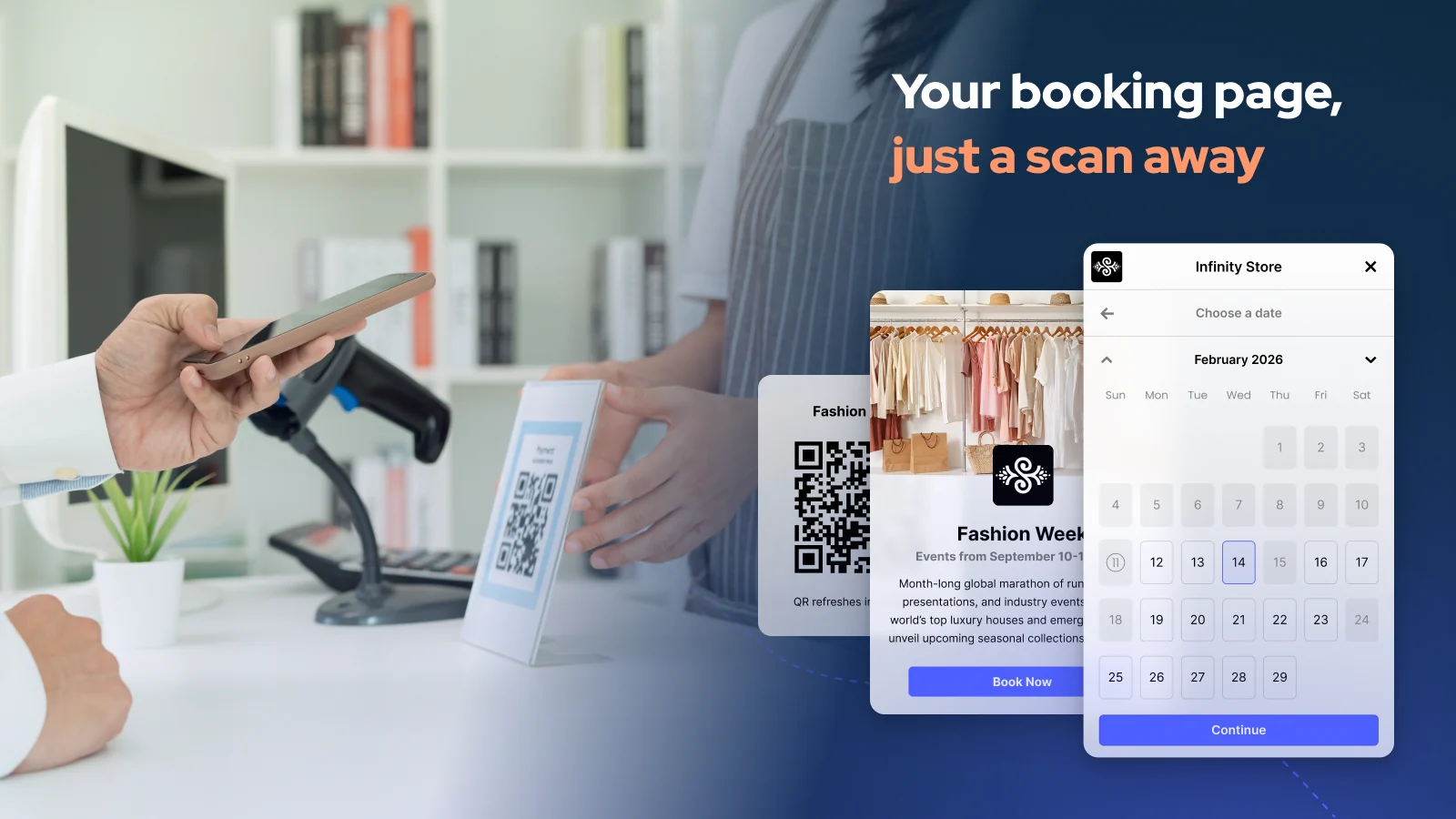
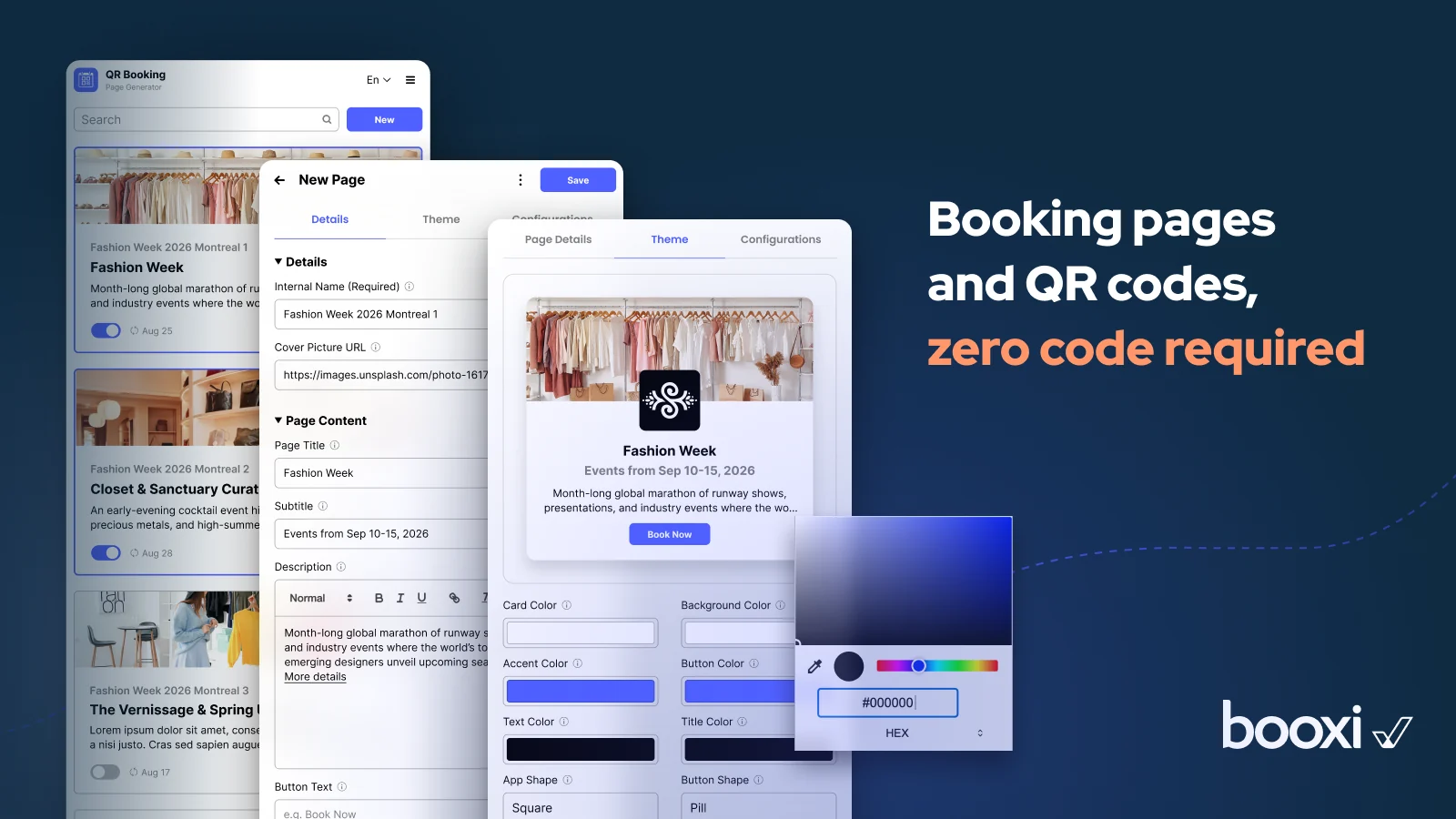
QR Booking Page generates a ready-to-use booking landing page and its QR code from your Booxi merchant API key. Print the QR code in store or share the page in your campaigns: clients land directly on your booking flow, with zero development.

Key capabilities

  • Booking landing page generator: a ready-made page on your booking flow.
  • QR code page for print and in-store display.
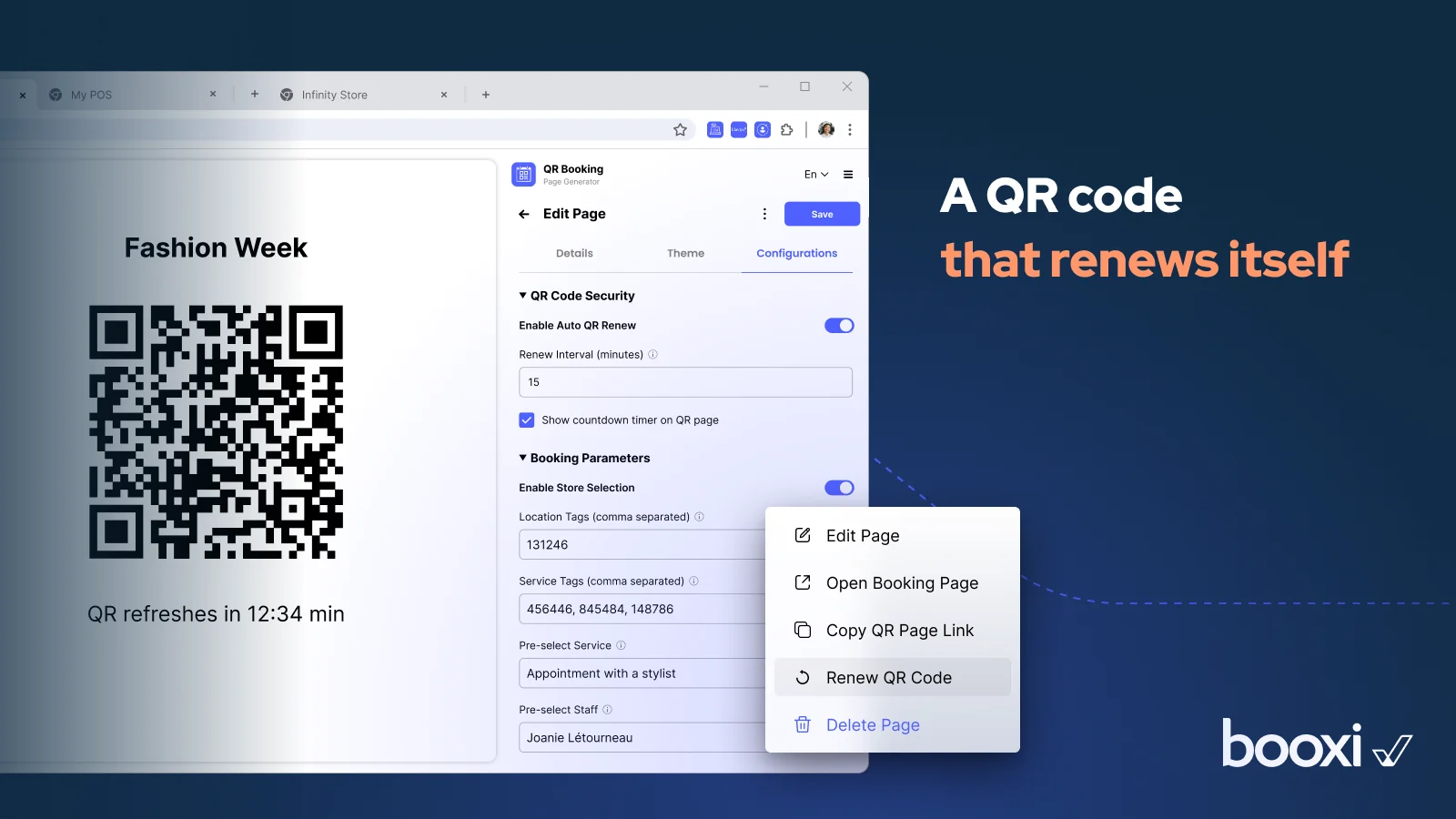
  • Self-renewing QR codes: rotating tokens, 15-minute interval by default, countdown on the QR page.
  • Targeted pages: one page per store, service or staff member, with pre-selection.
  • Zero code: your merchant API key and your Labs key are all it takes.
  • Two ways to use it: web app or Chrome extension.

Use cases

  • In-store QR to booking: a client scans at the counter or in the window and books on the spot.
  • Instant campaign landing page: a booking destination for ads and emails without building a page.

Requirements

  • A Booxi account, your merchant API key and a Booxi Labs key.

Data & security

  • The widget stores no data and processes no personal information.