Cegid POS Agenda

Connector

POS

Get started

Get your Labs keyWeb appHelp & installation guideContact support

This extension is provided through Booxi Labs. It can change or be discontinued at any time, is provided as is, and is not covered by the Booxi Core SLA.

Support is provided on a best-effort basis during Booxi business hours (Mon–Fri, 9am–5pm EST). Typical response time: 1–2 business days.

Overview

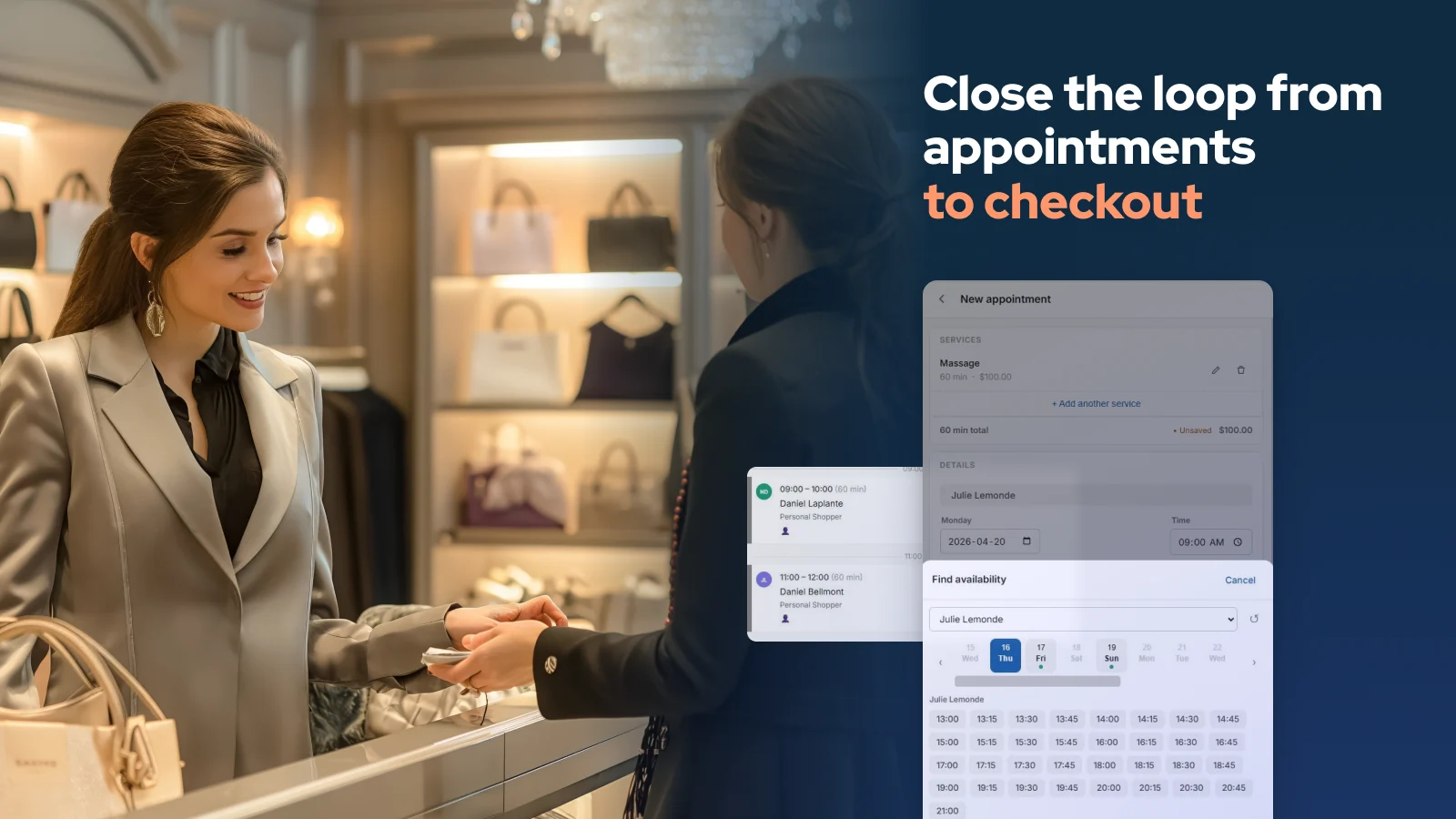
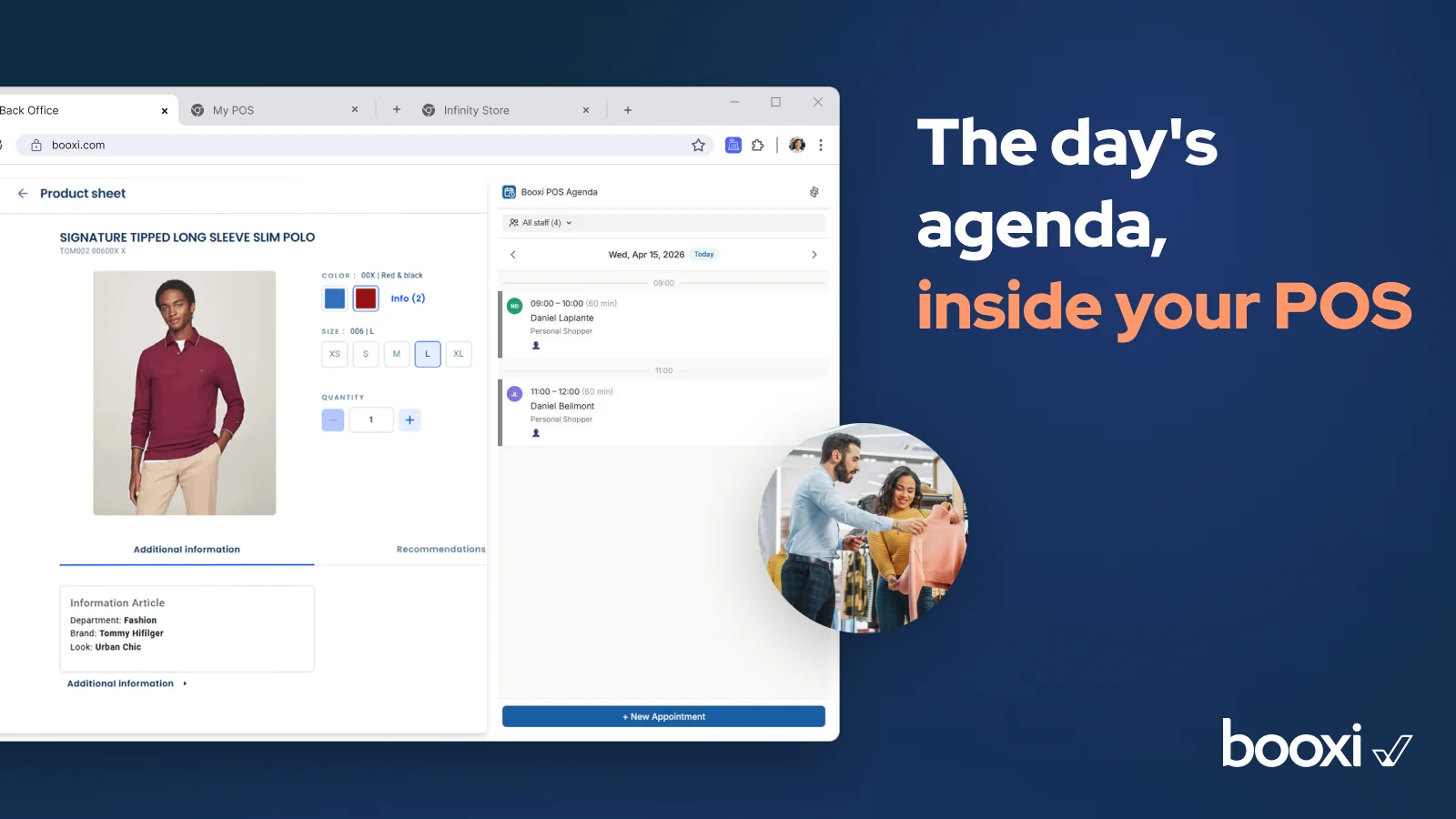
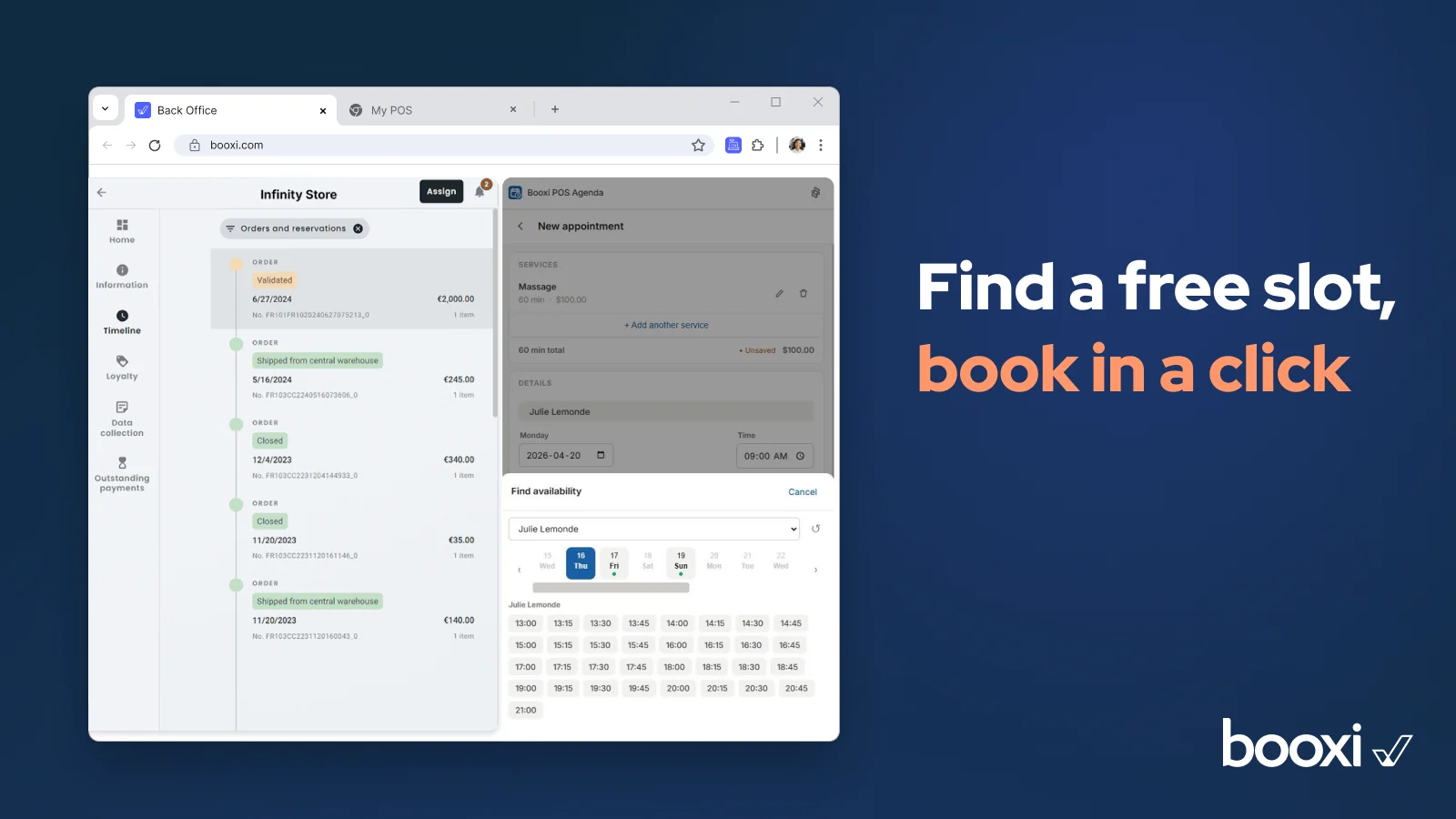
With the Cegid connector, store teams manage appointments and check out the sale in one place: the Cegid POS. Day agenda, availability search, invoice created from the booked service, and every appointment linked to its transaction. It runs as a Chrome extension or a web app.

Key capabilities

  • The day's agenda in the POS, for all advisors or a selection. Group events and busy slots shown alongside appointments.
  • Full appointment management: create, reschedule, check in, notes, multi-service.
  • Availability search to place a new appointment.
  • Invoice created in the POS from the booked service; products scan into the same ticket.
  • Transactions sent to Appointment Performance when the Cegid POS is enabled.
  • Automatic client creation and matching in Cegid (email, name, phone).

Use cases

  • Appointments from the till: no tool switching for store teams, no lost client context.
  • Sale attached to the appointment: service and products on the same ticket, no manual reconciliation.
  • Visit preparation and upsell: the advisor sees the appointment context and proposes complementary products.
  • Client check-in at the counter: no separate device, and as soon as the appointment status changes to arrived or completed, the invoice is created automatically in the POS.

What it doesn't do

  • Without the Cegid POS enabled: no invoice created from the appointment, and no appointment-to-transaction link.
  • No manual resource selection: resources are assigned automatically.
  • No survey responses.
  • Displays group events but does not book them; no queue management at this stage.

Requirements

  • A Booxi account. A Cegid Retail POS (Livestore Y2) is optional: appointment management works without it.
  • Cegid in SaaS mode, a Cegid user with API access, and a Booxi Labs key.
  • Setup: map Cegid users and products to Booxi staff and services.

Data & security

  • The connector stores no personal data: it relies on the Booxi and Cegid APIs. Matching uses email, name and phone.
  • No payment card data: checkout is handled by Cegid.
  • Sub-processors: Cegid, Google Cloud. Storage in North America or Europe, following your account region.